 montipass
NOTIFICATIONS
Straight to the lock screen.
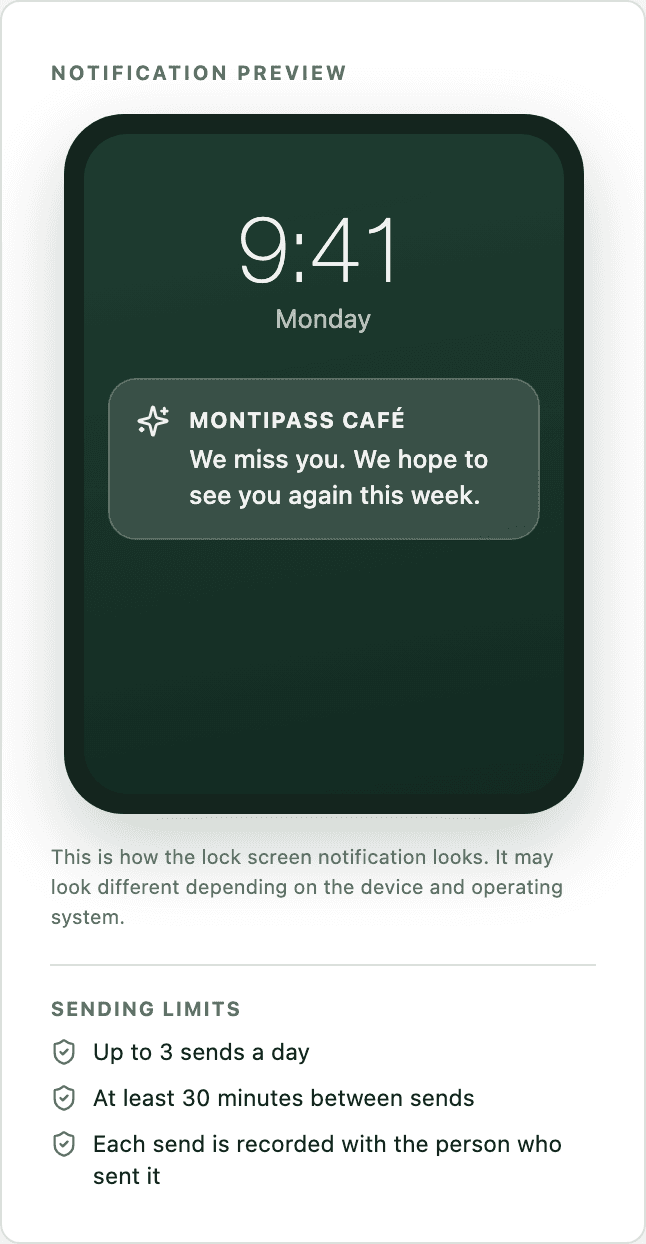
You write a message and it appears on card holders’ lock screens. Because the channel is the wallet card itself, there is no need for a separate app, an SMS bundle or an email list.
CAPABILITIES
What this feature does
180 characters, one clear message
Choose the audience in the panel and write the message. The preview alongside shows exactly how it will look on the lock screen.
A reminder when nearby
The card is set up to carry the business location, so the groundwork for a lock screen reminder when a customer comes close is in place. Turning it on from the panel is on the roadmap.
You know who it reaches
Before sending, you see “reaches N members, M members have no Wallet card”. You never send blind.
RELATED
Write your first message today.
180 characters, one audience, one preview. Press Send and it lands on lock screens.